Create invoice
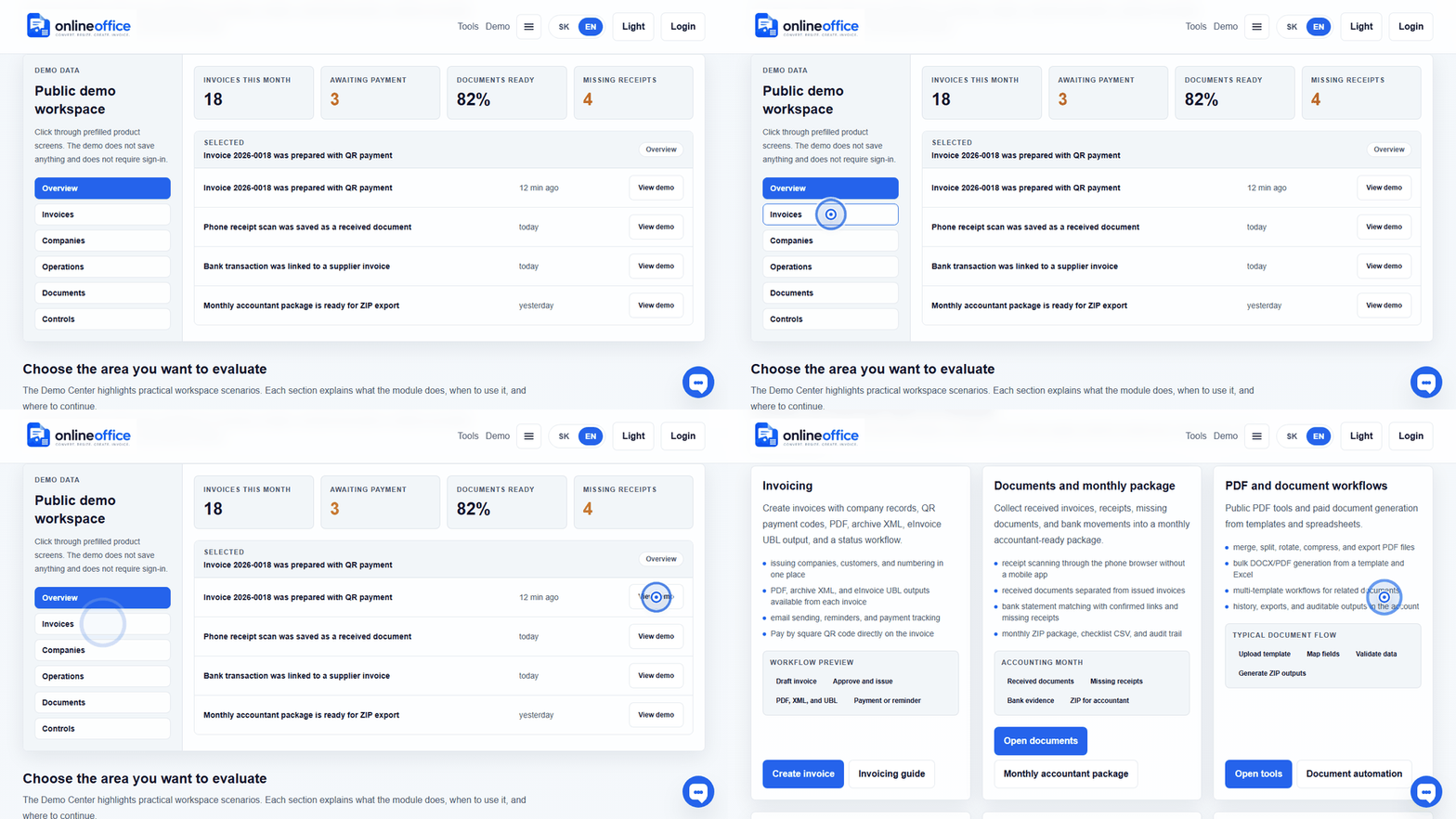
Invoice workflow preview: draft, customer, QR payment, PDF, archive XML, and eInvoice UBL.
Open demoStructured invoices, PEPPOL XML, and Slovak e-invoicing readiness.
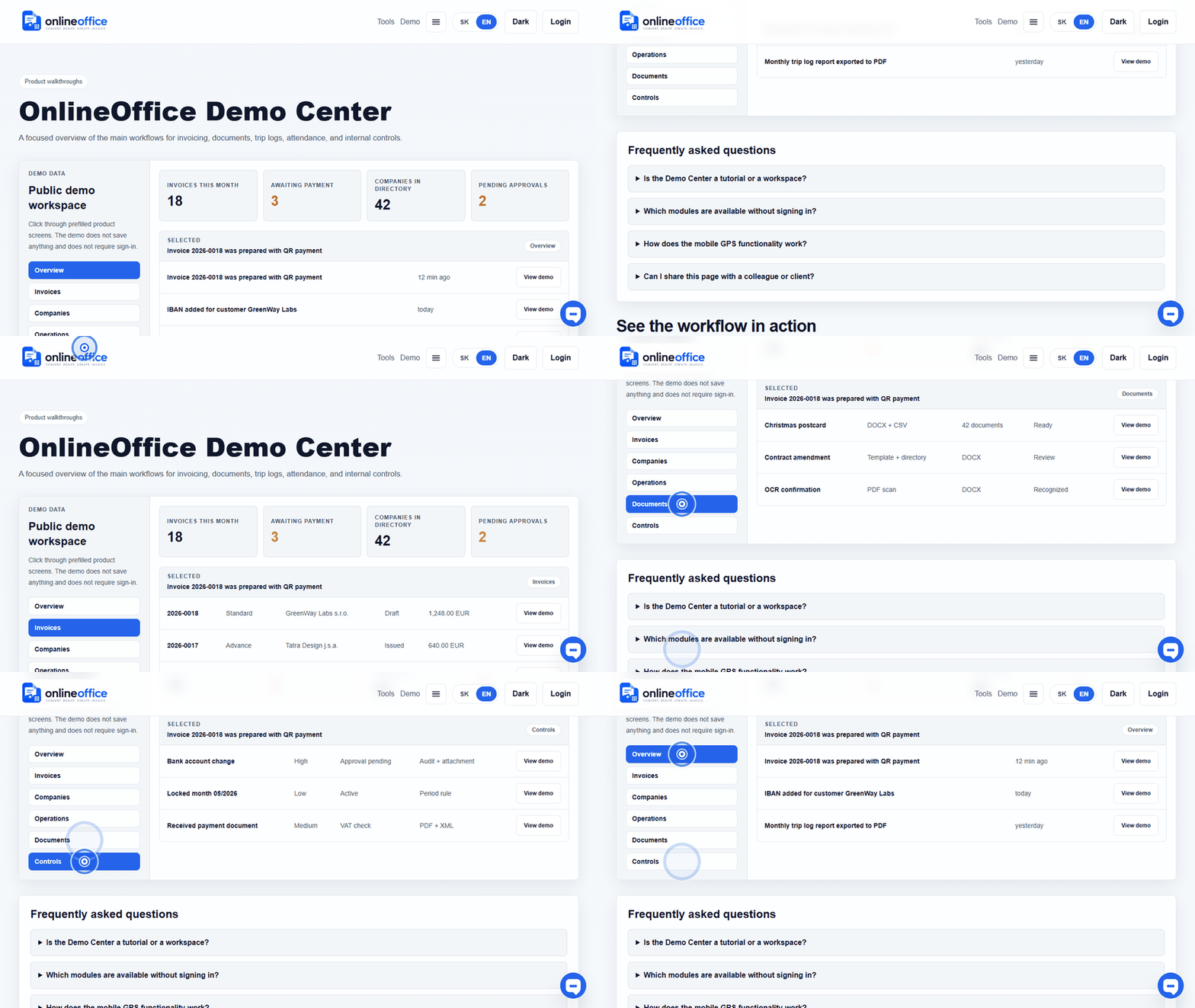
Short animated walkthroughs show real OnlineOffice clicks without private data.
No. A PDF is the human-readable copy. An e-invoice is structured data intended for automated processing, validation, and delivery through a channel such as PEPPOL.
Accounting XML can serve import into a specific accounting system. PEPPOL XML is an e-invoicing output with structure and validation rules for delivery. That is why the app should label buttons clearly: PDF, Accounting XML, and PEPPOL XML.
OnlineOffice prepares invoice data, validates PEPPOL UBL, shows readiness status, and keeps the delivery trace. Production PEPPOL delivery is enabled only after certification is complete or approved delivery infrastructure is connected. In the app, the user sees a practical status: ready, missing data, queued, sent, delivered, or rejected.
It means the PEPPOL/UBL check found a blocking issue, for example missing company ID, VAT ID, IBAN, address, currency, date, or invoice line. When the draft is opened through Edit, OnlineOffice shows the concrete missing data and the section to fix.
PDF, archive XML, and PEPPOL UBL are regenerated when the invoice draft is saved. If you fix the company or customer in the directory, open the draft invoice and save it so files are created from current data. Issued or locked documents must follow accounting rules and audit trail.
OnlineOffice uses practical statuses: ready, missing data, queued, sent, delivered, rejected, or not applicable. The goal is that users do not need to read technical XML and can see the next action.